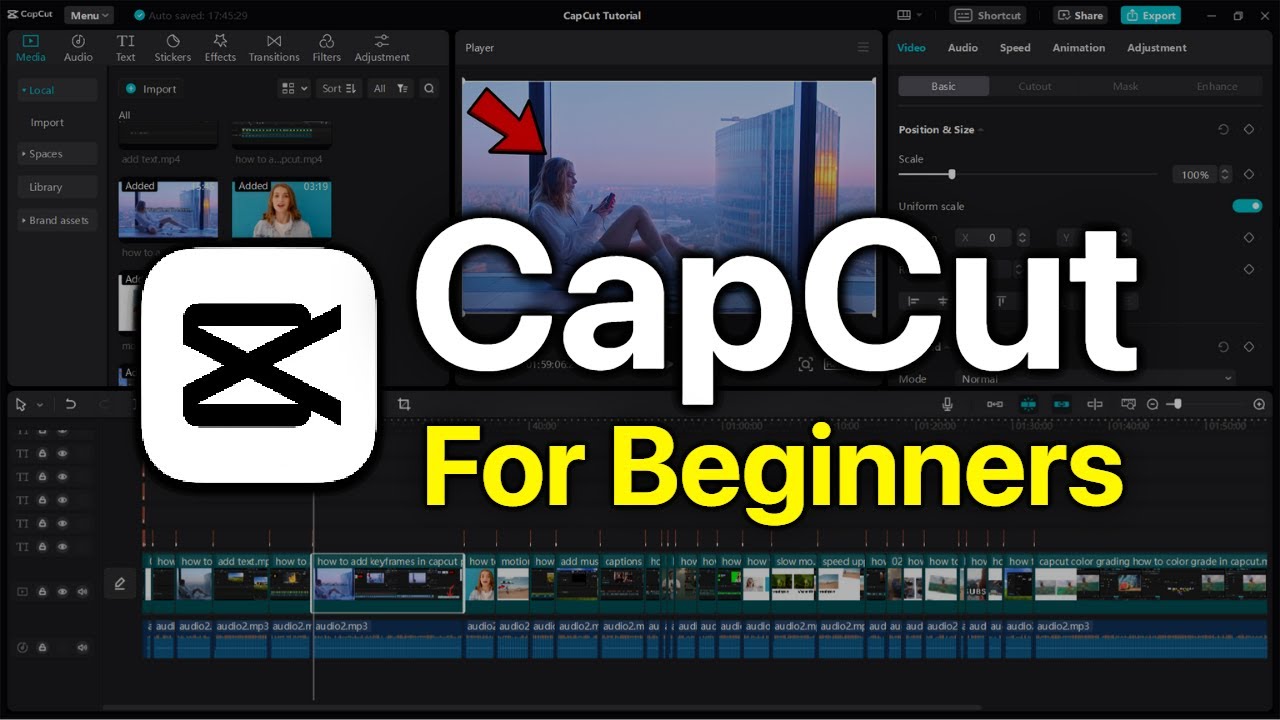
Capcut Video Editing Mastery Course - Basic to Pro
3 students
Video Editing
Level: Advanced
Language: Urdu
What you'll learn
CapCut interface and all core tools explained in detail
How to cut, trim, and arrange clips like a pro
Adding smooth transitions between scenes
Text animations, captions, and auto-captions
Color grading and applying cinematic filters
Syncing audio, music, and voiceovers perfectly
Using keyframes for zoom and pan effects
Green screen and overlay effects
Exporting videos in the right format for YouTube, Instagram, and TikTok
Building a complete short-form and long-form video project from scratch
Course content
📹
All in One video - Zero to Pro
47m
Who this course is for
- Beginners who want to start video editing on mobile
- Content creators and vloggers
- Freelancers wanting to offer video editing services
- Small business owners creating their own social media content
- Students looking to learn a high-demand skill
- A Laptop
- CapCut app installed (free version is enough)
- Basic interest in video editing — no prior experience needed
Description
This course takes you from zero experience to professional-level video editing using CapCut on your mobile phone. You'll learn every tool inside CapCut — cutting, transitions, effects, color grading, audio syncing, text animations, and export settings — through hands-on practice projects. By the end, you'll be able to edit reels, YouTube videos, and client projects confidently, without needing a laptop or expensive software.
Student feedback
No reviews yet. Be the first to leave feedback after finishing the course.